
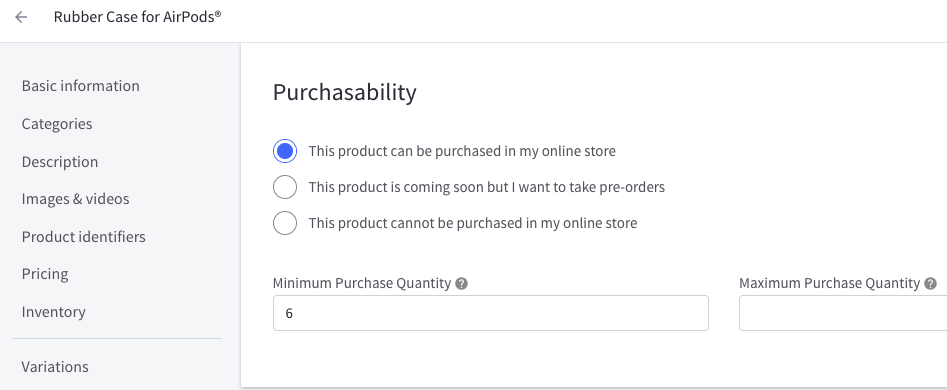
We sell products in quantities of multiples of 6, but we need to exclude some products in a way that allows a dropdown starting from 1 in ascending order using the Minimum purchase quantity on admin side.
BigCommerce Product Catalog Select Quanties of 6
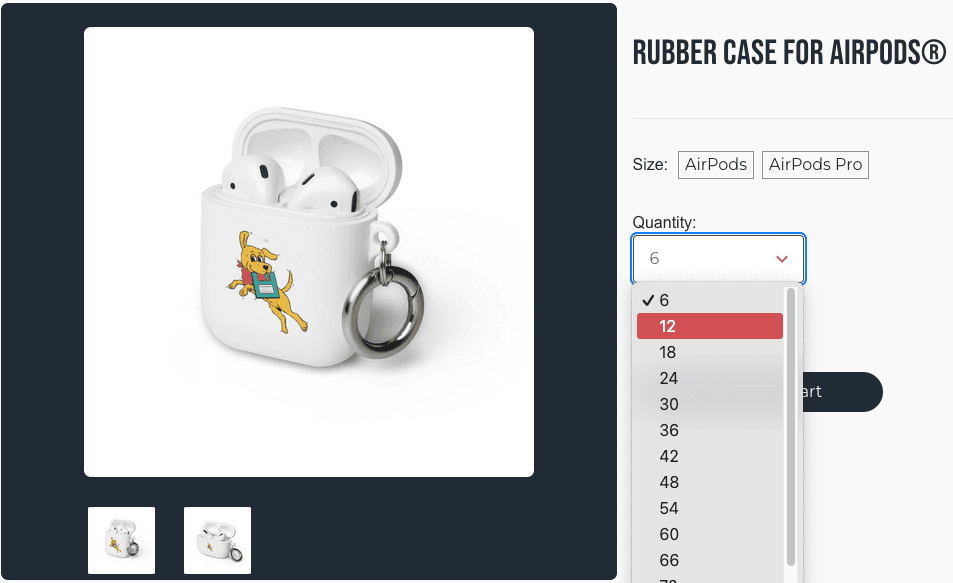
Some products must be purchased in certain quantities, such as groups of 6. This code will change the user options for specific products.
Problem
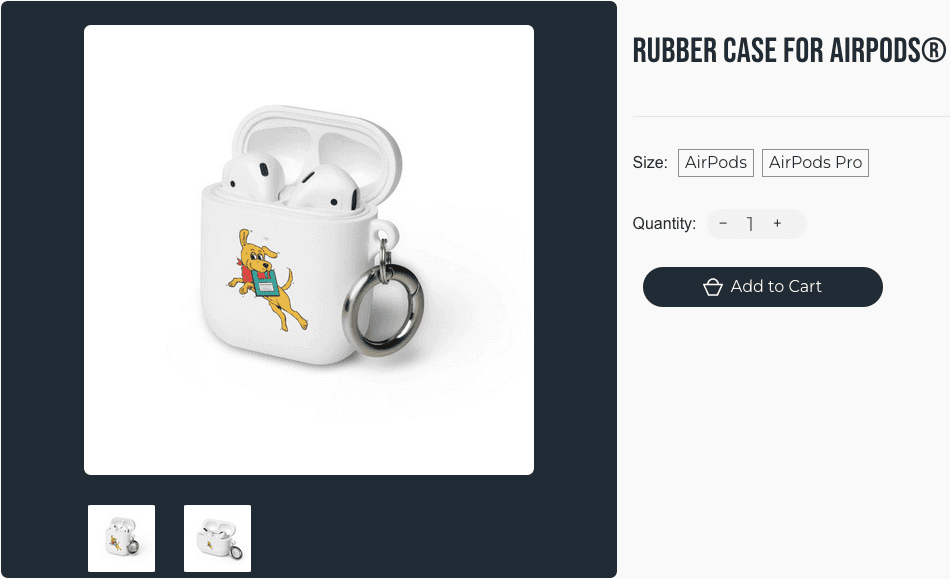
Before
After
Solution
If the Minimum Purchase in your product catalog is set to 6, then the select option appears; otherwise, it shows the native input.
BigCommerce Theme File: templates/components/products/add-to-cart.html
<div class="qtyAndPrice">
<div class="form-field form-field--increments">
<label class="form-label form-label--alternate"
for="qty[]">{{lang 'products.quantity'}}</label>
{{#if product.min_purchase_quantity '!=' '6' }}
<div class="form-increment" data-quantity-change>
<span class="button button--icon" data-action="dec">
<span class="is-srOnly">{{lang 'products.quantity_decrease' name=product.title}}</span>
<span>−</span>
</span>
<input class="form-input form-input--incrementTotal"
id="qty[]"
name="qty[]"
type="tel"
value="{{#if product.min_purchase_quantity}}{{product.min_purchase_quantity}}{{else}}1{{/if}}"
data-quantity-min="{{product.min_purchase_quantity}}"
data-quantity-max="{{product.max_purchase_quantity}}"
min="1"
pattern="[0-9]*"
aria-live="polite">
<span class="button button--icon" data-action="inc">
<span class="is-srOnly">{{lang 'products.quantity_increase' name=product.title}}</span>
<span>+</span>
</span>
{{else}}
<select class="form-select" id="qty[]" name="qty[]" aria-live="polite">
{{#for 1 100}}
<option value="{{multiply $index 6}}">{{multiply $index 6}}</option>
{{/for}}
</select>
{{/if}}
</div>
</div>
Tags
BigCommerce
Dated
Created: Feb 06, 2025
Updated: Feb 06, 2025

Tanner Brodhagen
Share this post

It all Starts with a Spark ⟢
Your single biggest growth constraint fixed in 90 days.
Start With Spark⟢
One focus · One outcome